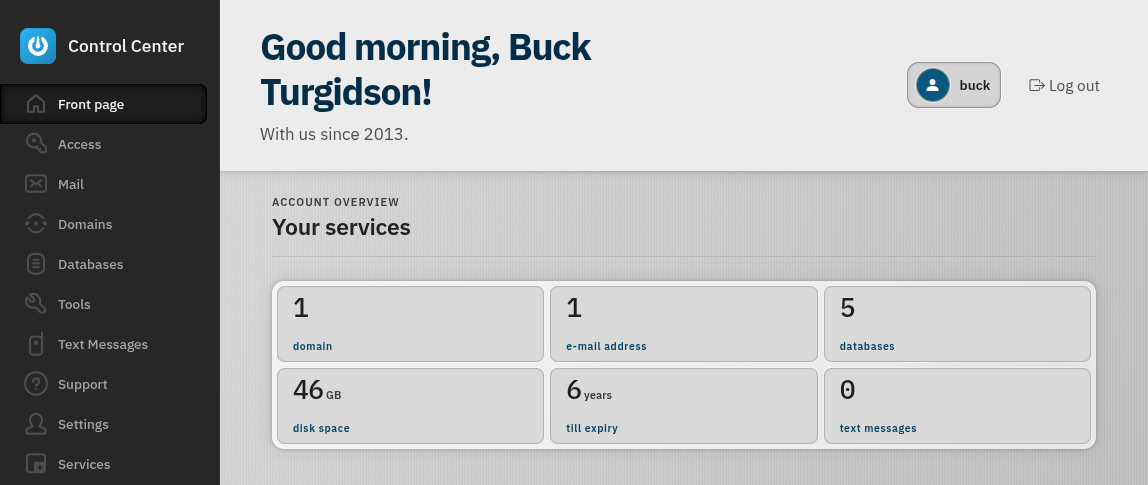
We rebuilt Control Center around what you come here to do, from running a website to managing domains and email.
Here’s how it all fits together, from the overview you see when you sign in to the tools you reach for when something needs attention.
Find your way around
Control Center grew feature by feature over nearly twenty years. With the redesign, we focused on making it easier to move between pages as you work.
Breadcrumbs show where you are and give you a quick way back. From a domain’s subdomains, you can jump back to that domain or straight to the full domain list.
Your account at a glance
The front page shows what you have on your hosting account, including your domains, email addresses, databases, disk space and expiry date. Anything that needs your attention is marked there too.
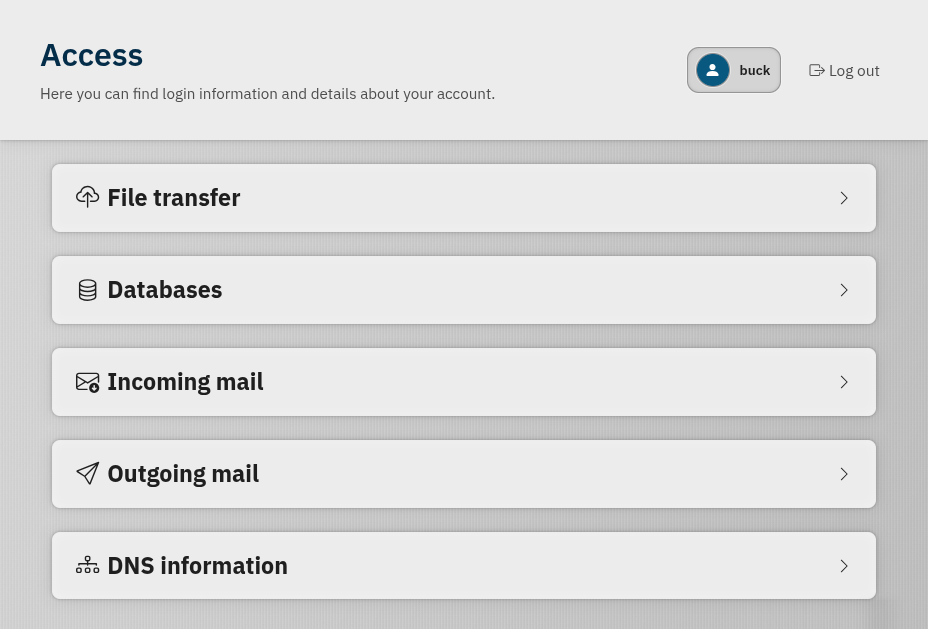
Open Access from the menu to find and copy details like your SFTP server address and Gigahost’s nameservers.
Your domains and DNS
Open Domains to register a domain, transfer one you already own or set up a subdomain for a shop or test site.
Select a domain to manage its SSL certificate, change its PHP version or edit its DNS records. Ready-made templates can fill in the DNS records for common services.
Manage your mail
In Mail, you can create a mailbox, forward an address or set an automatic reply while you’re away. If you manage a long list of addresses, you can now search by typing or filter by domain.
The everyday tools, close at hand
Head to Databases to create a MySQL database or open phpMyAdmin. You can also browse and restore available backups of your site files and databases.
Under Tools, you’ll find scheduled jobs and redesigned traffic reports with updated charts for each domain. To work with your site files in the browser, open a PHP-hosted domain in Domains and choose File Manager.

When a site needs a closer look
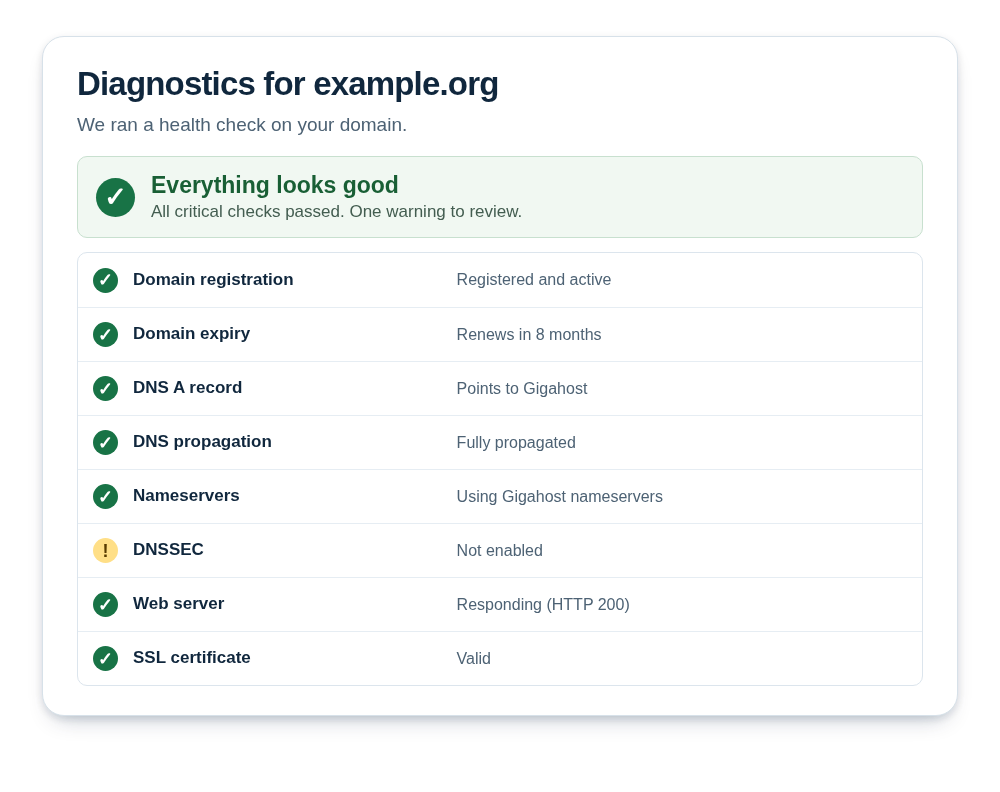
If your website won’t load, open Tools → Troubleshooter and choose its domain.
The Troubleshooter runs several checks in one go. It can spot an expired domain, a web address that points to the wrong place, or a problem with the site’s secure connection.
Try a task you already know the next time you sign in. In the next chapter, we’ll look at the small changes that make everyday tasks easier.